Offline Music Player Apps – Play Your Saved Songs Without Internet
Listening to music is a popular way to relax, travel, exercise, and enjoy free time. However, internet connectivity is not always available, especially while travelling through remote areas or using limited mobile data. Offline Music Player Apps allow users to play songs already saved on their smartphones without requiring an active internet connection.
Unlike online music streaming services, offline music players focus on audio files stored in phone memory or SD cards. Users can organize MP3 songs, create playlists, adjust audio settings, and enjoy their personal music collections without paying monthly streaming subscriptions.
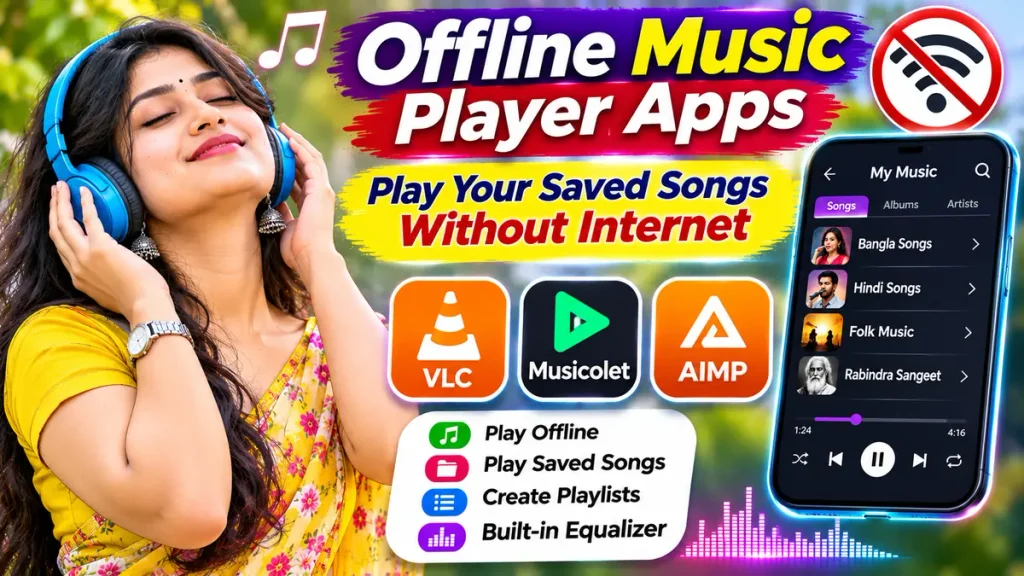
Whether you enjoy Bollywood songs, Bengali music, Punjabi tracks, or international recordings, an Offline MP3 Music Player App can make listening convenient. This guide explains popular applications, supported audio formats, important features, and methods for enjoying saved music without internet access.
What Is an Offline Music Player App?
An offline music player is a mobile application that plays compatible audio files stored locally on a device.
These applications usually work without Wi-Fi or mobile data once installed and configured.
Common features include:
- Offline MP3 playback.
- Local music library scanning.
- Playlist creation.
- Background music playback.
- Audio equalizer settings.
- Album and artist organization.
- Shuffle and repeat controls.
- SD card music support.
Unlike streaming platforms, offline music players generally do not supply an extensive catalogue of commercial songs.
Users must already have legally obtained audio files.
How Does an Offline Music Player Work?
Offline music players access audio files saved in a smartphone’s internal storage or supported external memory.
After receiving necessary permissions, the application scans selected folders and identifies compatible music files.
Users can then browse songs by album, artist, folder, or playlist.
For example, someone with legally saved Bengali and Hindi MP3 files can organize them into separate playlists.
Once the application has access to those files, playback generally works without internet connectivity.
Certain optional features, including online radio or cloud synchronization, may still require internet access.
Best Offline Music Player Apps for Android
Several applications provide convenient offline audio playback.
1. VLC for Android – Free Offline Audio Player
VLC is a free, open-source multimedia player developed by the VideoLAN project.
Its Android application supports local audio and video playback alongside other multimedia features.
Important Features:
- Offline music playback.
- MP3, FLAC, and other audio formats.
- Audio equalizer.
- Music library organization.
- Background playback.
- Audio and video support.
VLC is suitable for users who want one application for both music and video files.
The Android application is available without advertisements or in-app purchases.
2. Musicolet – Offline Music Player
Musicolet is an Android music player designed specifically for locally stored audio files.
It does not provide online music streaming or song downloads.
Important Features:
- Offline music playback.
- Multiple playback queues.
- Folder-based music organization.
- Album and artist browsing.
- Playlist management.
- Sleep timer.
- Lock-screen playback controls.
Musicolet does not require internet access for its core functionality.
It is useful for users who prefer organizing personal music libraries without streaming features.
3. AIMP – Offline MP3 and Audio Player
AIMP is a music player supporting numerous audio formats and playlist features.
Its Android application focuses on customizable audio playback.
Important Features:
- MP3 and FLAC playback.
- Multiple playlist formats.
- Audio equalizer.
- Folder-based organization.
- Album artwork support.
- Playback queue management.
- Android Auto compatibility.
AIMP is particularly useful for listeners who enjoy adjusting playback settings.
Its internet radio functionality requires connectivity, but local music playback works offline.
Offline Music Player Apps Comparison Table
| Music Player | Main Features | Best For |
|---|---|---|
| VLC | Audio, video, equalizer | All-in-one media playback |
| Musicolet | Offline songs, queues, playlists | Personal music libraries |
| AIMP | Audio formats, playlists, equalizer | Customizable listening |
Note: Features, device compatibility, and supported formats may change with application updates.
Popular Audio Formats Supported by Music Players
Offline music applications support different audio file formats.
| Audio Format | Description |
|---|---|
| MP3 | Common compressed audio format |
| FLAC | Lossless audio compression |
| WAV | Often used for uncompressed audio |
| AAC | Efficient compressed audio |
| M4A | Audio container format |
| OGG | Container commonly used for compressed audio |
| OPUS | Modern compressed audio format |
Actual compatibility depends on the selected player, file encoding, and device.
How to Play Saved Songs Without Internet
Follow these steps to listen to offline music on your smartphone.
Step 1: Choose a Trusted Music Player
Select an application supporting locally stored audio files.
Step 2: Install the Application
Download the official music player from a recognized app store.
Step 3: Save Your Music Files
Store legally obtained audio files in your phone’s music folder or supported SD card.
Step 4: Allow Necessary Permissions
Grant the application access to relevant audio files.
Step 5: Scan Your Music Library
Allow the player to identify compatible songs.
Step 6: Create Playlists
Organize favourite tracks according to artists, genres, or languages.
Step 7: Start Offline Playback
Turn off mobile data or Wi-Fi and play your saved music.
Benefits of Using Offline Music Player Apps
Listen Without Internet
Local audio files can play without an active connection.
Reduce Mobile Data Usage
Playing saved songs avoids repeated streaming data consumption.
Organize Personal Music
Users can create playlists and browse songs through folders.
Enjoy Different Audio Formats
Supported applications can play common and high-quality audio files.
Avoid Streaming Subscriptions
Local music playback generally does not require a recurring streaming membership.
Offline Music Player vs Online Music Streaming
| Feature | Offline Music Player | Online Streaming |
|---|---|---|
| Internet for Playback | Not required for local files | Usually required |
| Music Source | Saved audio files | Licensed online catalogue |
| Data Usage | Minimal during local playback | Depends on streaming |
| Playlists | Usually supported | Usually supported |
| New Music Discovery | Limited | Extensive |
| Music Subscription | Generally unnecessary | Optional or required |
Both options serve different listening preferences.
How to Choose the Best Offline Music Player
Before choosing an application, review supported audio formats, interface design, and playlist features.
Check whether the app supports SD card storage if your smartphone uses external memory.
Consider equalizer controls, background playback, and audio organization.
Download applications from trusted developers.
Avoid unofficial modified applications offering copyrighted songs without authorization.
Remember that offline music players do not automatically provide free commercial music downloads.
Tips for Managing Your Offline Music Library
Keep audio files organized in clearly named folders.
Use consistent artist and album information where possible.
Remove duplicate recordings to save storage space.
Back up important personal audio files.
Choose appropriate audio quality based on available memory.
Avoid deleting music files that are still included in your playlists.
Frequently Asked Questions (FAQs)
1. Which is the best offline music player app?
VLC, Musicolet, and AIMP offer useful offline playback features. The best choice depends on individual preferences.
2. Can I play MP3 songs without internet?
Yes. Compatible MP3 files stored on your device can be played without internet access.
3. Are offline music player apps free?
Several applications provide free offline playback, although some players may offer optional paid features.
4. Can I listen to Bengali and Hindi songs offline?
Yes. Offline players can play compatible Bengali, Hindi, and other audio files stored legally on your device.
5. Do offline music players support SD cards?
Many Android music players support audio files stored on accessible SD cards.
6. Can offline music players download new songs?
Most dedicated offline players do not provide a commercial music download service. Users need their own authorized audio files.
Conclusion
Offline Music Player Apps provide convenient ways to enjoy saved songs without relying on mobile data or Wi-Fi. These applications support local audio playback, playlists, album organization, and customizable listening features.
VLC, Musicolet, and AIMP offer different options for Android users. Choose a trusted player, organize your legally obtained music files, and enjoy your favourite songs whenever internet connectivity is unavailable.
Disclaimer
This article is provided for general educational and informational purposes only. Offline music player features, supported audio formats, device compatibility, application availability, and optional premium services may change without prior notice. All mentioned applications are independent third-party services, and no commercial affiliation or endorsement is implied. Offline music players do not automatically provide copyrighted songs or authorize unauthorized downloads. Users should obtain audio files through legal sources and respect copyright and licensing restrictions. Some optional services may require an internet connection. Readers should verify application permissions, features, and current conditions before installation. This article does not promote music piracy, unauthorized distribution, or illegal downloading of copyrighted recordings.