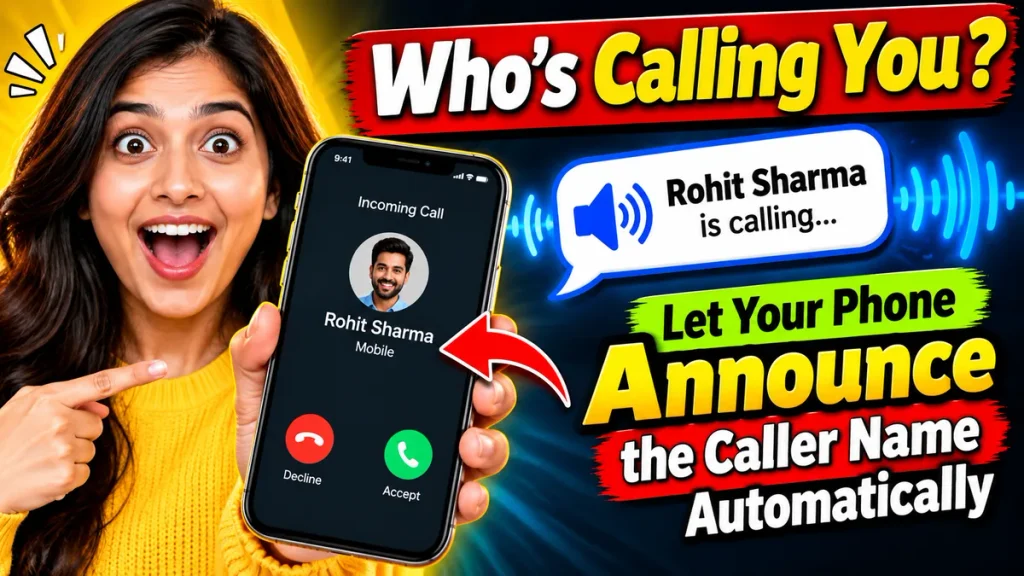
Who’s Calling You? Let Your Phone Announce the Caller Name Automatically
Imagine your phone ringing while you are cooking, driving, exercising, or working. Instead of searching for your smartphone to check the screen, what if your phone could automatically tell you who is calling? With a Caller Name Announcer App, your smartphone can speak the incoming caller’s name aloud, making everyday communication easier and more convenient.
Many Android smartphones and iPhones already support caller announcements, while additional mobile applications offer useful customization options. Whether you receive calls from family members, friends, colleagues, or unknown numbers, this feature helps you recognize incoming calls without constantly looking at your screen.
If you are searching for the best Caller Name Announcer App for Android, wondering how automatic caller announcements work, or interested in hands-free calling features, this guide explains everything you need to know, including setup instructions, benefits, privacy considerations, and frequently asked questions.
What Is a Caller Name Announcer App?
A Caller Name Announcer App is a mobile application or built-in phone feature that announces incoming caller information using speech technology. When someone calls, the phone reads the saved contact name or available caller identification details aloud.
For example, if your friend Rahul calls, your phone might announce, “Incoming call from Rahul.”
This feature uses text-to-speech technology to convert caller information into spoken audio. Depending on your device, you can hear announcements through the smartphone speaker, connected headphones, or compatible Bluetooth accessories.
Caller announcements are particularly helpful when checking your phone screen is inconvenient.
How Does Automatic Caller Name Announcement Work?
The process is simple. When an incoming call arrives, your phone checks the caller information available through its contact list or caller identification system.
If the number matches a saved contact, the phone can announce that person’s name. If the number is not saved, some devices announce the number instead.
The announcement is generated using the phone’s speech engine. Users can control whether announcements play for every incoming call or only through supported headphones.
However, the exact features depend on your smartphone manufacturer, operating system, and selected application.
Key Features of Caller Name Announcer Apps
Modern caller announcement tools may provide several useful features:
- Automatic Caller Announcements: Hear saved contact names during incoming calls.
- Hands-Free Convenience: Identify callers without touching your smartphone.
- Headphone Support: Receive announcements through compatible wired or Bluetooth headphones.
- Custom Voice Settings: Some third-party applications offer speech speed, voice, or language adjustments.
- Unknown Number Announcements: Supported devices may read incoming numbers when contact names are unavailable.
- Simple Activation: Built-in options generally require only a few settings changes.
Not every application includes these features, so review its description before installing.
Caller Name Announcer Features Comparison
| Feature | Built-in Android Option | iPhone Announce Calls | Third-Party Apps |
|---|---|---|---|
| Announces saved contacts | Yes, supported devices | Yes | Usually |
| Announces unknown numbers | May be available | Depends on caller information | Varies |
| Headphone announcements | Supported | Supported | App-dependent |
| Voice customization | Limited | Limited | Sometimes available |
| Separate installation | Usually unnecessary | Unnecessary | Required |
| Privacy permissions | Phone feature | System feature | Review carefully |
| Internet connection | Generally unnecessary | Generally unnecessary | Depends on app |
This comparison helps users understand why built-in features are often worth exploring before downloading additional applications.
How to Enable Caller Name Announcer on Android
Many Android devices using Google’s Phone app include a built-in Caller ID announcement feature.
Follow these steps:
- Open the Phone app on your Android smartphone.
- Tap the three-dot menu and select Settings.
- Find the Caller ID announcement option.
- Tap Announce caller ID.
- Choose Always, Only when using a headset, or Never.
- Select your preferred option.
- Ask someone to call your phone and test the announcement.
These settings are documented by Google, although availability may vary by device.
Phone app Help
How to Enable Caller Announcements on iPhone
iPhone users can activate caller announcements using Siri without installing another application.
Open Settings and select Siri or Apple Intelligence & Siri, depending on your software version. Choose Announce Calls and select your preferred announcement setting.
Once enabled, Siri can identify incoming callers. Compatible headphones and supported car systems may also provide hands-free calling convenience.
Apple confirms that users can configure this feature directly through Siri settings.
Apple Support (IE)
Benefits of Using a Caller Name Speaker App
Caller name announcement technology offers practical advantages beyond simply making your phone sound interesting.
Convenience During Daily Activities
Whether preparing meals, cleaning, exercising, or completing household tasks, you can recognize incoming callers without repeatedly checking your phone.
Improved Accessibility
Spoken caller information can be useful for people with visual impairments or anyone who finds reading small smartphone screens difficult.
Better Call Management
Hearing a contact’s name allows you to decide whether to answer immediately or return the call later.
Useful While Wearing Headphones
Compatible headphones can announce callers privately, helping users stay informed without disturbing others.
Reduced Screen Checking
Instead of interrupting your activity whenever your phone rings, you receive useful information through an audio announcement.
Remember that hands-free announcements should never distract you from driving safely.
How to Choose the Best Caller Name Announcer App
Before installing a third-party caller name speaker application, examine its features and reliability.
Choose applications from trusted app stores and read recent user reviews. Check whether the application supports your Android version and offers the announcement settings you need.
Pay particular attention to permissions involving contacts, phone access, notifications, and accessibility services. Avoid applications requesting unrelated sensitive information.
A reliable application should explain its privacy practices clearly, provide straightforward controls, and allow users to disable announcements whenever necessary.
For most users, testing the existing phone feature first is a sensible approach.
Common Caller Announcement Problems and Solutions
Sometimes caller announcements stop working even after activation.
First, confirm that the correct announcement setting is enabled. Check your ringtone and media volume, then verify that connected headphones are functioning.
If contact names are missing, review how numbers are saved in your address book. Updating your Phone app and restarting your smartphone may also resolve temporary problems.
For third-party applications, review the necessary permissions and battery restrictions. Features may behave differently depending on the device and software.
Frequently Asked Questions (FAQ)
1. Can my phone announce caller names automatically?
Yes. Many Android phones and iPhones support automatic caller announcements through built-in settings or compatible applications.
2. Is a Caller Name Announcer App free?
Several smartphones include this feature without additional charges. Some third-party applications are free, while others offer paid features.
3. Does caller announcement work without internet?
Built-in announcements generally work offline because they use available contact information and device speech technology. Individual applications may differ.
4. Can the phone announce unknown callers?
Some phones announce unknown numbers or available caller identification information. This does not guarantee identification of every unknown person.
5. Can I disable caller announcements?
Yes. Return to your phone’s announcement settings and select the option that disables spoken caller identification.
6. Is using a caller announcer safe?
Built-in features are generally a straightforward choice. Third-party applications require additional attention to permissions, privacy policies, and developer credibility.
7. Does it work with Bluetooth earphones?
Many supported devices offer announcements through compatible Bluetooth headphones. Functionality varies according to phone settings and accessories.
Conclusion
A Caller Name Announcer App can make everyday smartphone communication more convenient by speaking incoming caller information aloud. Whether you use Android or iPhone, automatic caller announcements help you recognize calls while keeping your attention on other activities.
Before downloading an additional application, explore your smartphone’s built-in announcement settings. Choose reliable tools, protect your personal information, and customize the experience according to your needs.
With the appropriate settings, your phone can announce who’s calling without requiring you to look at the screen.